Port forwarding is here: host game servers, sites and more
Every Mantel device can now open its own port for incoming TCP and UDP connections. Run a Minecraft server, seed torrents or reach your home server, included in the price.
Mantel team2 min read
Contents
 (open full-size image)
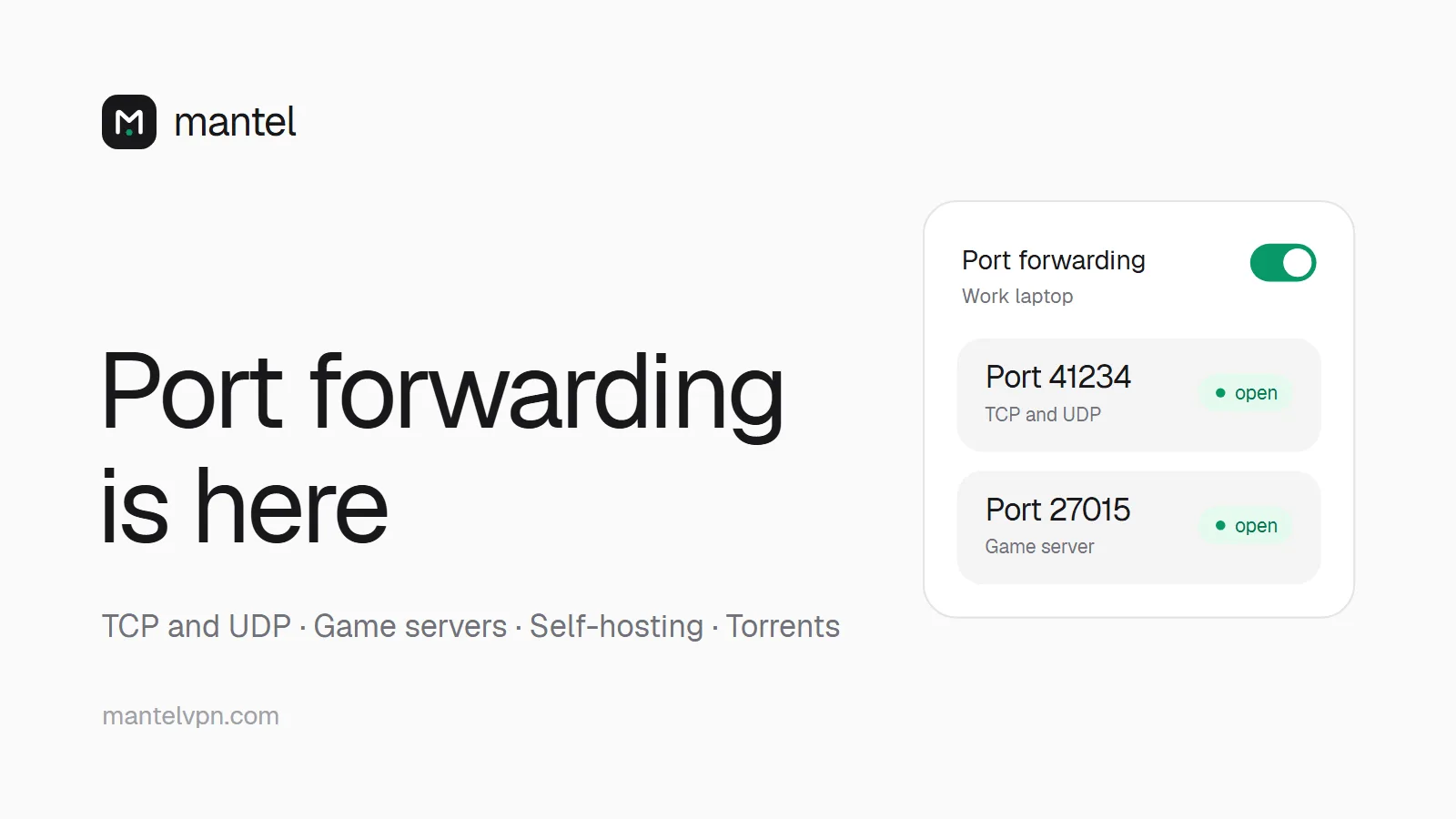
Many VPNs have dropped port forwarding. We went the other way: with Mantel, every device can get its own forwarded port. Incoming TCP and UDP connections on that port reach your device through the VPN, so others can connect to something you run, while your home IP stays hidden.
It is included in the normal price of €5 a month. No add-on, no extra plan.
What you can do with it
Minecraft and other game servers: host a server on your PC and let friends join with the VPN address and your port, for example
203.0.113.10:41234. Set the server's port to the one you got, or forward it in your server settings.Small websites and self-hosting: run a web app, a file share or a dashboard and reach it from anywhere at
http://IP:PORT. You get a random high port, not 80 or 443, so put it in the address or use your own reverse proxy in front of it.Torrents and seeding: enter the port in your torrent client and other peers can connect to you, which helps seeding and speeds.
Remote access and home servers: reach a home server, a NAS or your own SSH service while you are away.
Peer-to-peer apps that need incoming connections.
How to turn it on
Connect to a Mantel location.
In the app, open Settings → Port forwarding, or on the website Dashboard → Devices.
Switch port forwarding on for your device. Mantel picks a free port for you.
Copy the port and enter it in your server, game or torrent client.
Good to know
One port per device, for TCP and UDP. The port is random from a high range and chosen by our server.
The port belongs to the location you are connected to. If you switch location, turn it on there.
It is off by default and only open while you have it switched on. Turning it off, removing the device or letting your time run out closes it.
With Tor over VPN switched on, port forwarding pauses, because incoming connections would otherwise bypass Tor.
Locations are being upgraded step by step. Where it is not available yet, the app tells you and the switch stays off.
More details: mantelvpn.com/en/port-forwarding