Meet the Mantel Telegram bot
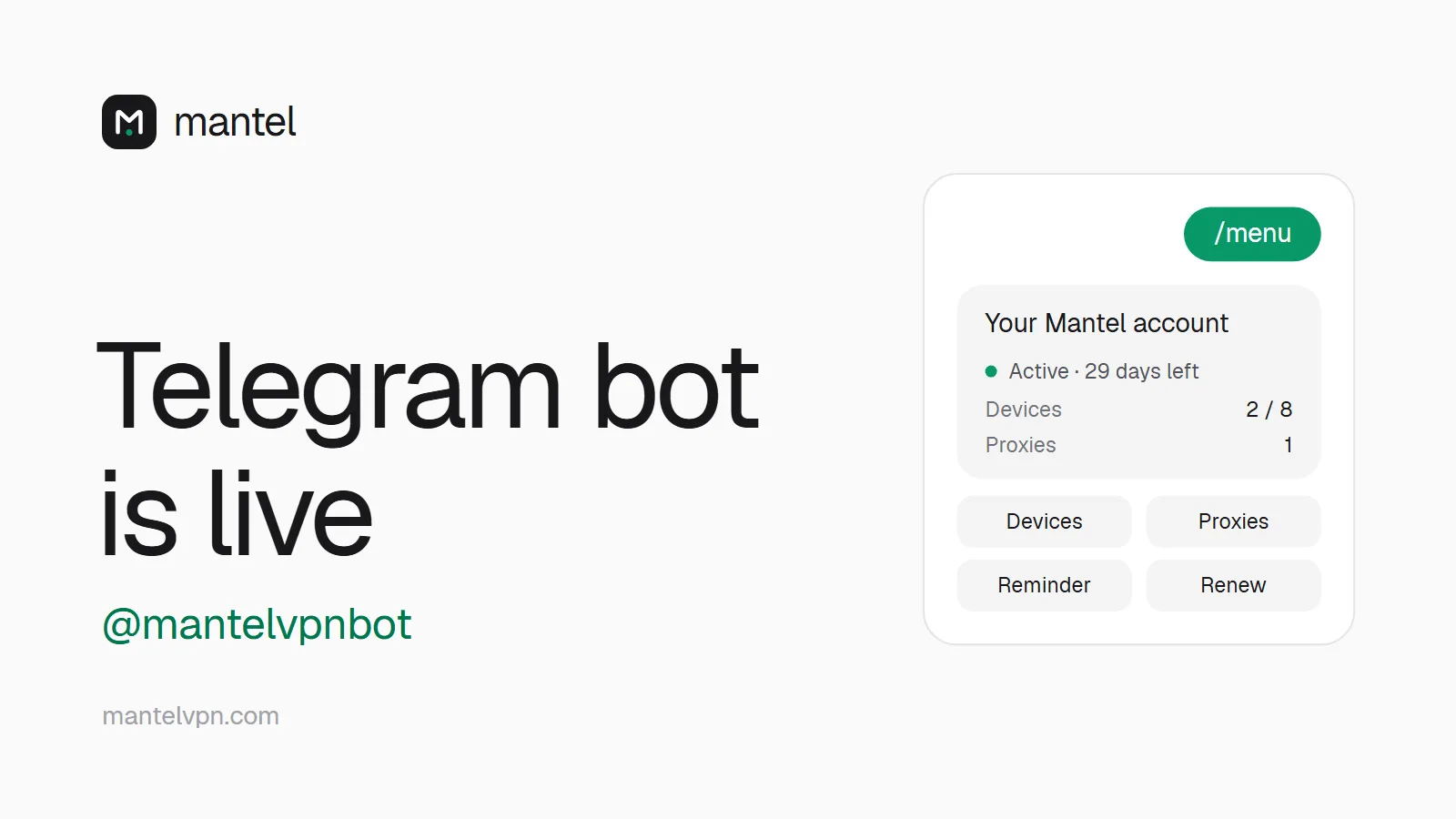
@mantelvpnbot is live: check your time, manage devices and proxies, and get a reminder before your time runs out, right in Telegram. Optional, and it never sees your keys or account number.
Mantel team2 min read
Contents
 (open full-size image)
Our Telegram bot @mantelvpnbot (external link) is now live. If you want to, you can connect it to your Mantel account and handle the everyday things right from Telegram, without opening the app or the dashboard.
What the bot can do
Status at a glance: how long your time runs, how many devices you use (out of 8) and how many proxies you have.
Devices: see all your devices with their location, rename them, switch Tor over VPN on or off, remove a single device or all of them.
Sessions: sign out every web and app session with one tap. Your devices keep running.
Proxies: list, create and delete your proxies on our servers, including MTProto proxies for Telegram itself. Pick a location, the proxy type and the exit (Tor or the server IP).
Reminder: a short message three days before your time runs out. You can switch it off in the menu.
How to connect it
Sign in at mantelvpn.com and open Dashboard → Account → Telegram.
Click Connect Telegram. You get a one-time code that is valid for 10 minutes.
Tap the button to open the bot, or send it
/link YOUR-CODE.Done. Send
/menuany time to open the menu.
To disconnect, send /unlink or click Disconnect in the dashboard.
Privacy, honestly
Connecting is optional. If you do it, Telegram knows that this Telegram account uses Mantel.
We store only an encrypted chat ID and a lookup hash. No username, no phone number, no message contents.
The bot never sends WireGuard keys, config files or your account number. Renewing and vouchers stay in the dashboard.
Disconnecting, deleting your account or creating a new account number removes the link completely.